01
Verified creator account
Sign-in and email confirmation protect credits, jobs and private output.
Inside the console
Stemsplitacular keeps the complete journey visible: account, credits, upload, processing, playback and download—without turning the screen into a studio maze.
 APP GALLERY
Real product views
The upload view establishes the job. The results view gives each stem its own playback lane.
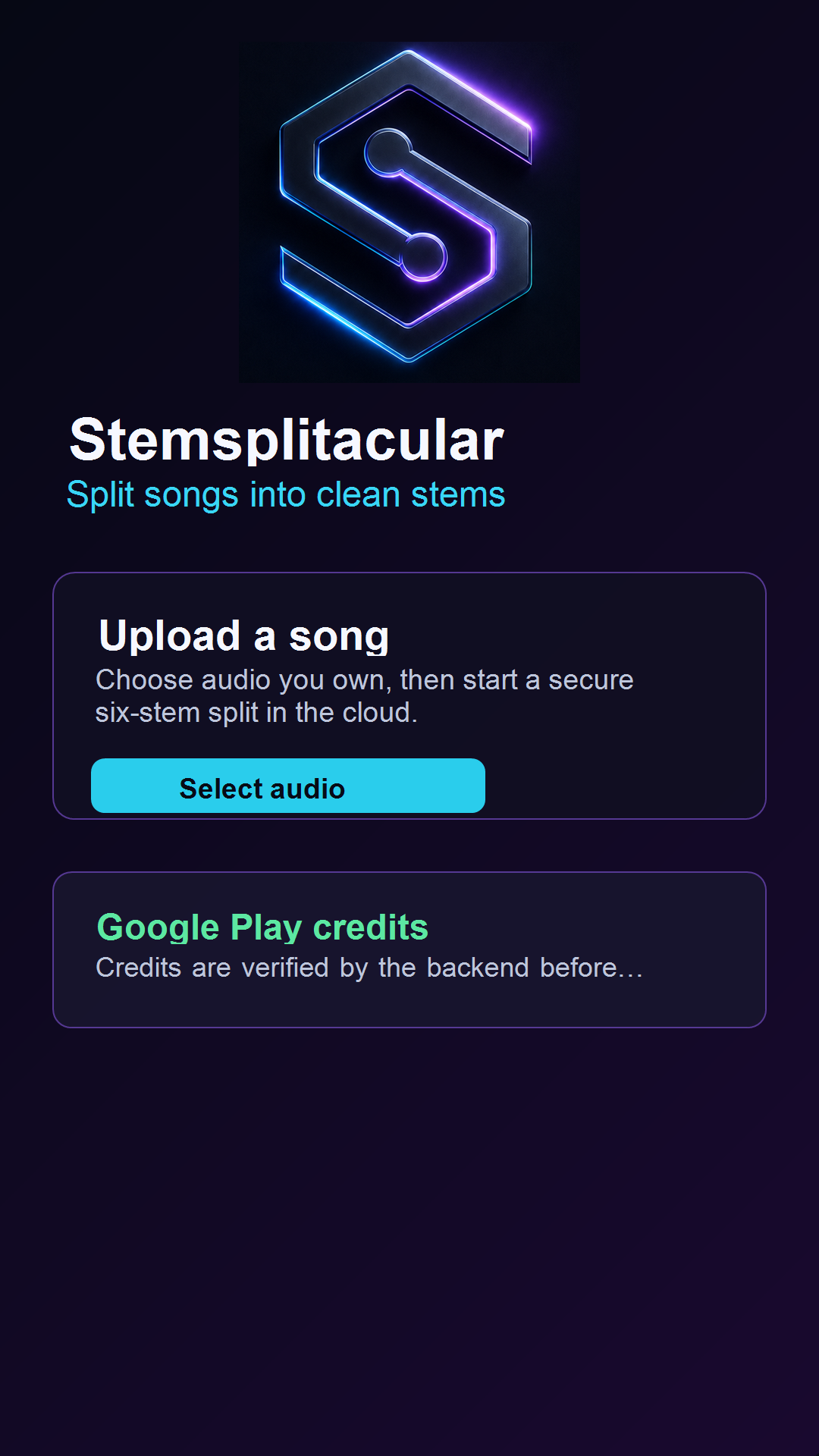
Begin with audio you own or have permission to use, then start a protected six-stem split.
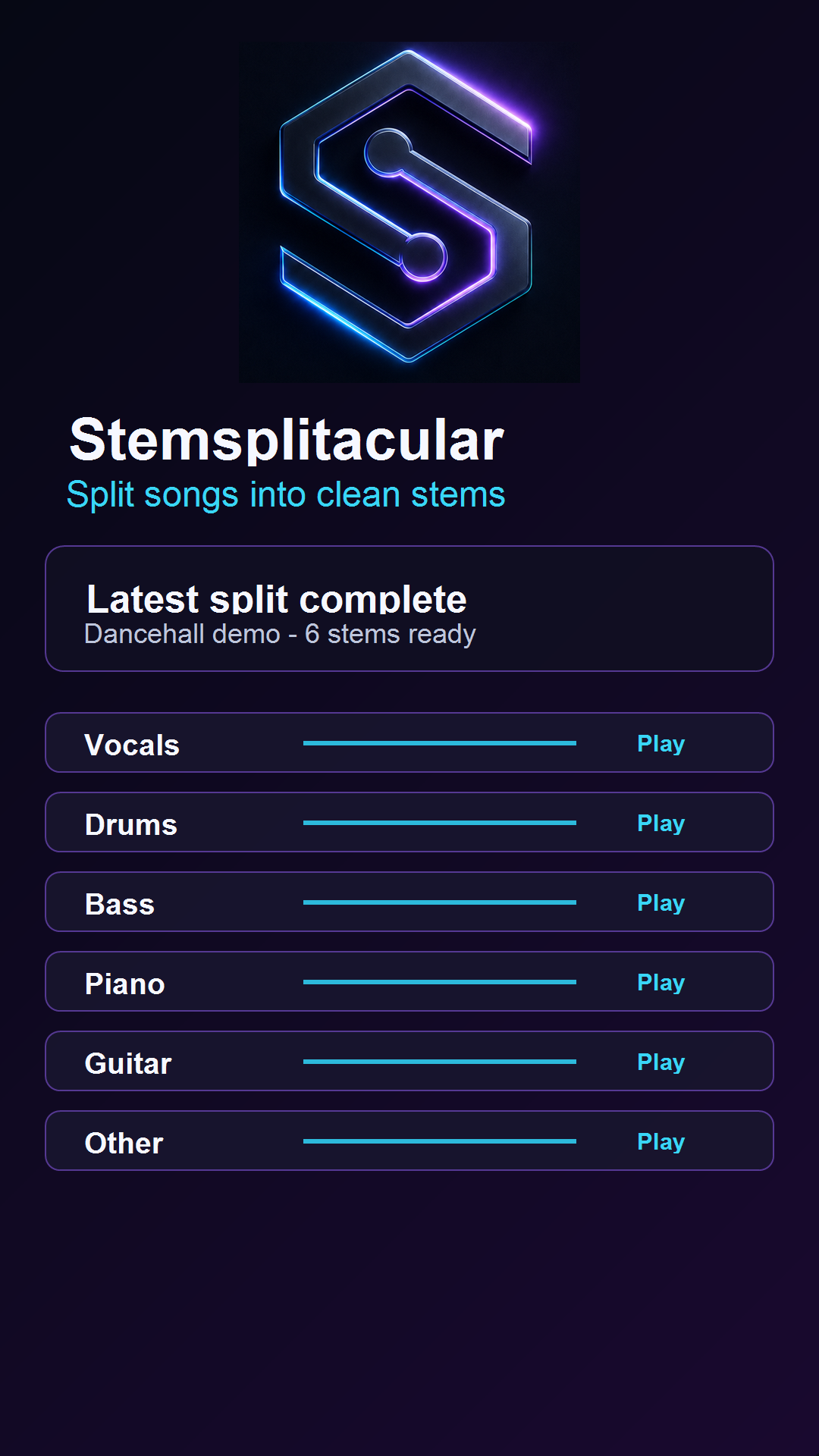
Vocals, drums, bass, piano, guitar and other arrive as clear, separate playback lanes.
Designed around the task
Sign-in and email confirmation protect credits, jobs and private output.
Your balance stays clear before a song enters the separation queue.
Each stem has its own progress lane so you can jump to a section and compare.
Listen to a single channel or hear the full arrangement with selected parts silenced.
Prepare individual or complete downloads as WAV, MP3 or FLAC.
The app fits the essential workflow into a compact console rather than a deep menu system.
One song in. Six stems out.
Create your account, confirm your email and bring a track you are allowed to use.